


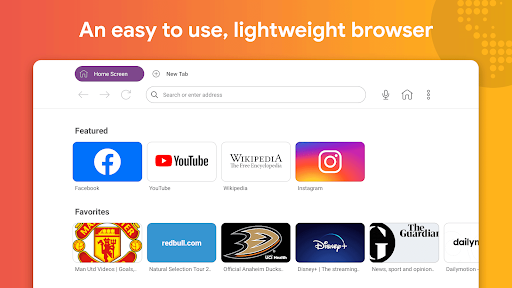




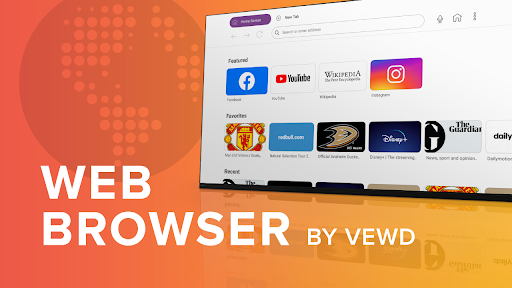
Web Browser by Vewd is an app designed to bring internet browsing directly to your television screen. It enables users to browse the web, search for information, stream various video content including news, sports, movies, series, and video clips, and access social media or email feeds. Distinguishing itself from PC-centric browsers, this app is specifically optimized for a TV viewing environment, rendering pages adapted for large screens and operating seamlessly with a standard TV remote control without requiring a mouse or external keyboard.
Web Browsing and Content Consumption
This app allows for a comprehensive internet experience directly from your TV. Users can navigate websites, perform searches, and engage with a variety of online content. It supports streaming of diverse video formats, from news and sports broadcasts to full-length movies, series, and shorter video clips. The app also facilitates checking social media pages and email feeds. A notable capability is its optimized video playback, which includes support for protected videos and content.
Designed for the TV Experience
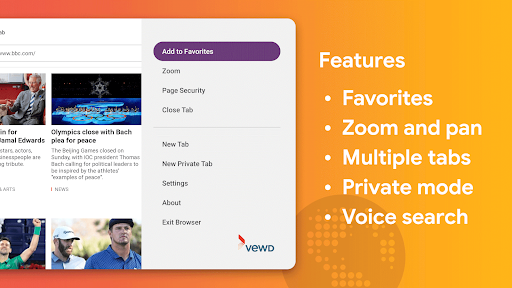
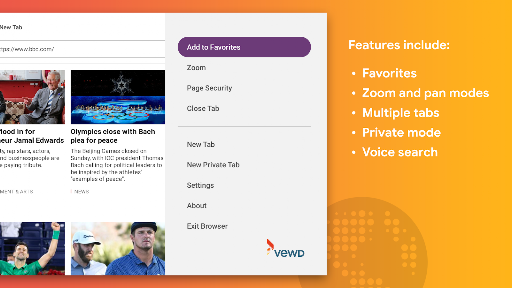
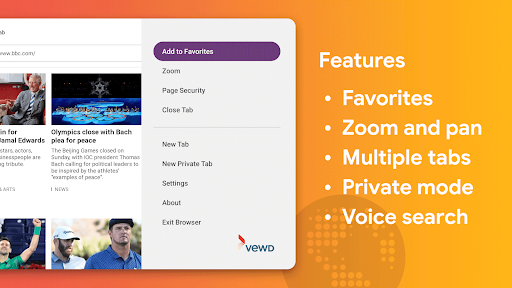
The Web Browser by Vewd is engineered specifically for use in a living room setting on a large screen. Unlike browsers designed for desktop computers, it operates effectively with a standard TV remote, removing the need for a separate mouse or keyboard for basic navigation. The app includes a zoom feature, which helps in reading smaller text comfortably on a large display, and it renders web pages in a manner adapted for television screens. While primarily designed for remote control, the app does offer the option to use an external keyboard for those who prefer it.
Streamlined Navigation and Privacy
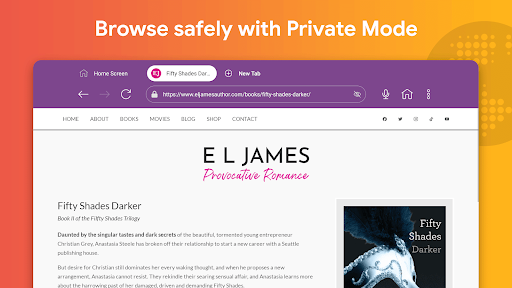
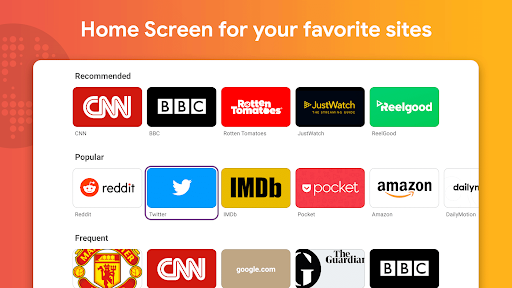
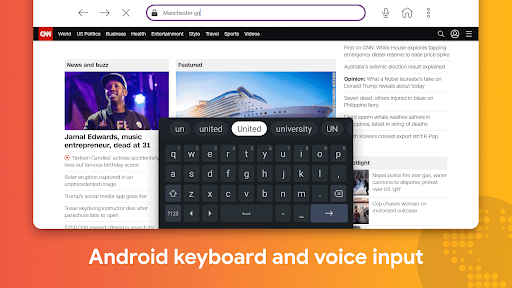
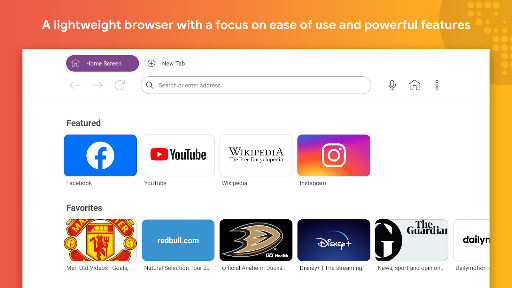
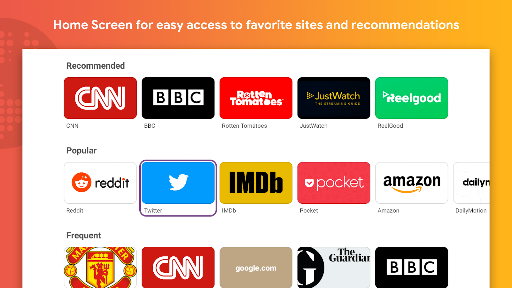
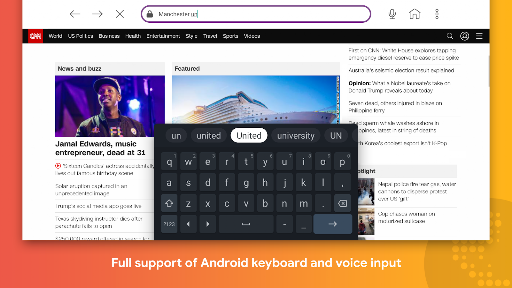
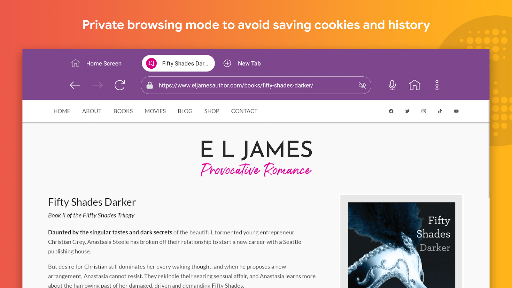
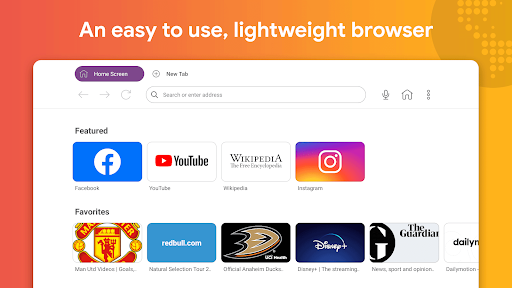
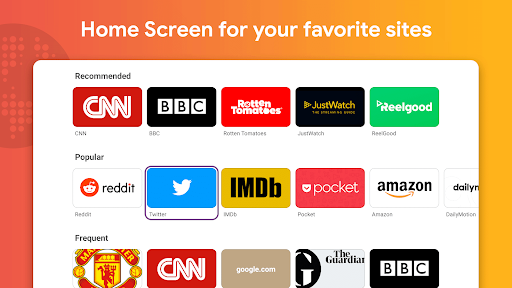
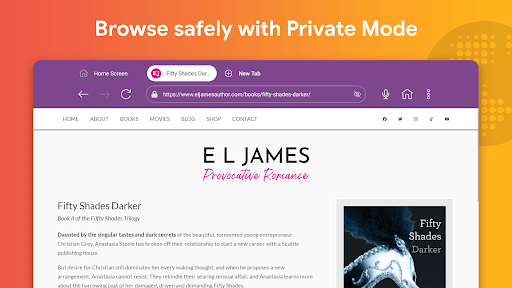
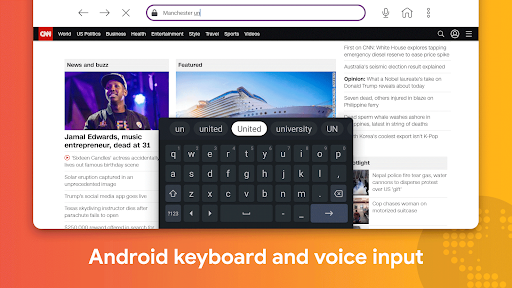
To enhance convenience, the app features a dedicated Home Screen where users can keep their favorite websites readily accessible. It also provides quick access to recently and frequently visited pages, allowing for efficient navigation. For users who prioritize discretion, the app includes a private browsing or incognito mode. Additionally, it supports voice search and input, enabling users to search the internet or enter information using spoken commands. Recent improvements have made voice search functionality easier to use directly from the address bar.
Visual Enhancements
The app has introduced a new Dark Theme, which aims to provide a better viewing experience, particularly on larger screens.







Write a review